Libraries, community centres and cybercafés
Public-access desktops from one host, managed centrally.
The problem
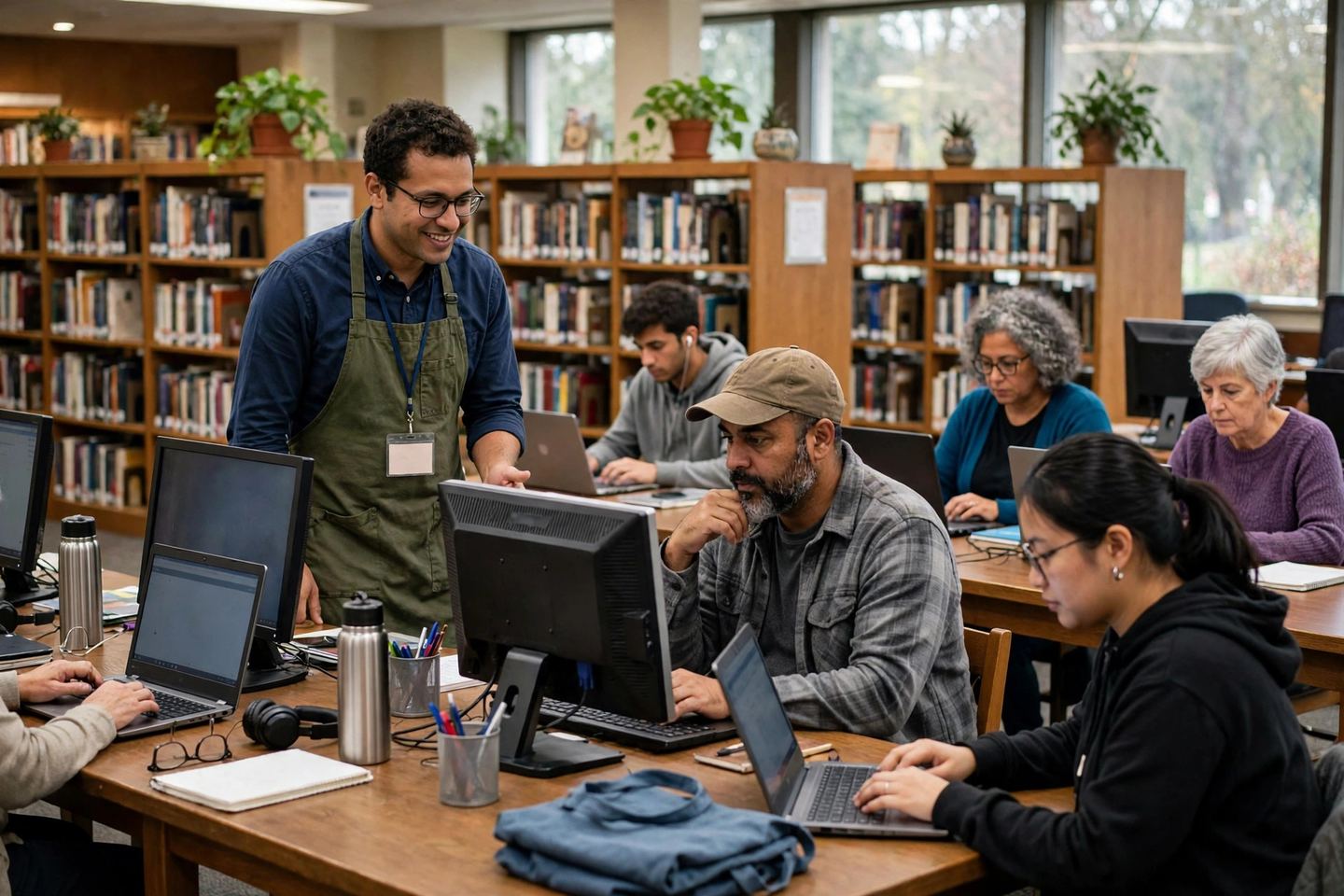
Public-access desktops take a beating, and every machine is a separate thing to look after.
How MultiDeskKore fits
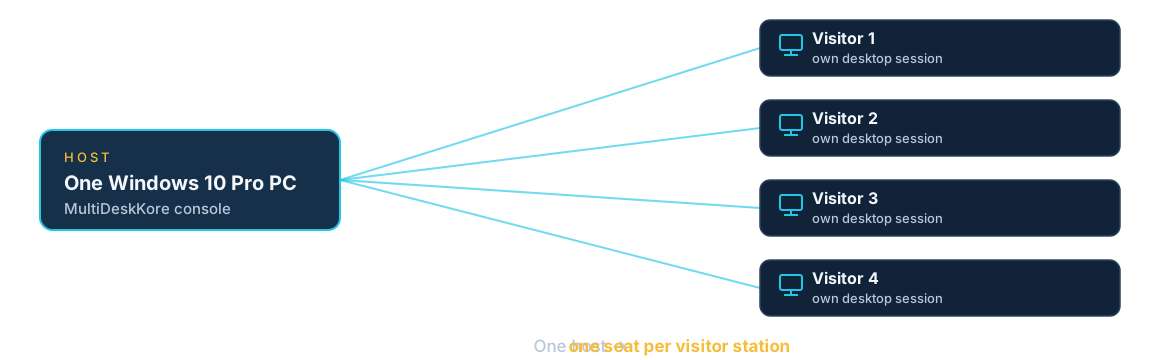
Visitors sign into their own session on the shared host, each with their own desktop and files, separate from other users’. The admin manages accounts and sessions centrally from the console, and one host is easier to look after than a room full of PCs.
What it needs
One Windows 10 Pro host, a network, and a device, display, keyboard and mouse per visitor station.