
Where MultiDeskKore fits
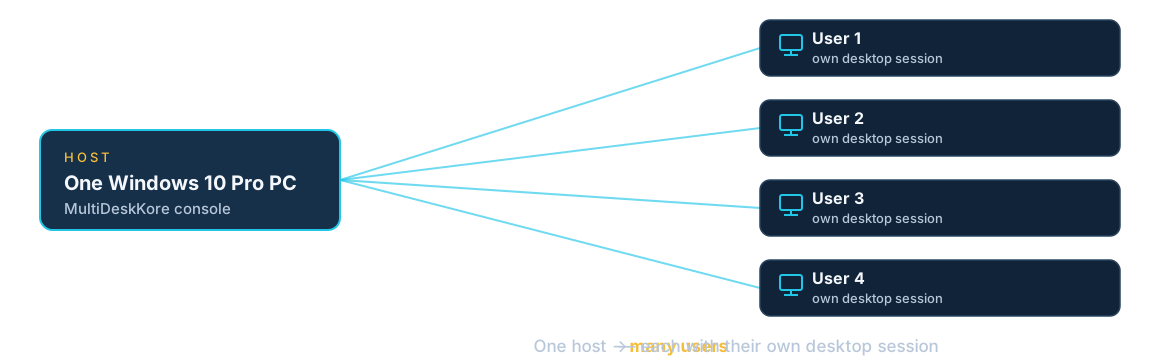
One host, separate Windows desktop sessions for your team. Every scenario below uses the same MultiDeskKore Solo (Single Host, V1): install on the host, create users in the local console, and connect with compatible Remote Desktop clients. One seat is one enabled user account on one licensed host; the host user (console admin) does not count as a seat. Capacity depends on the host and the workload — test yours before choosing a seat count.
One host, many users
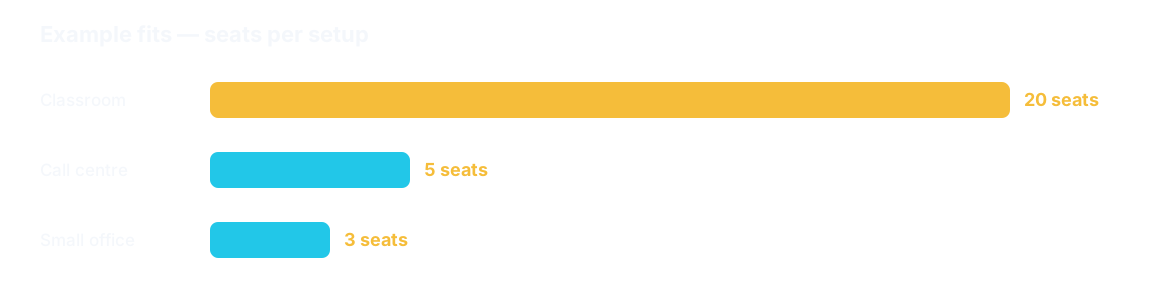
How many seats fit?
Choose a scenario
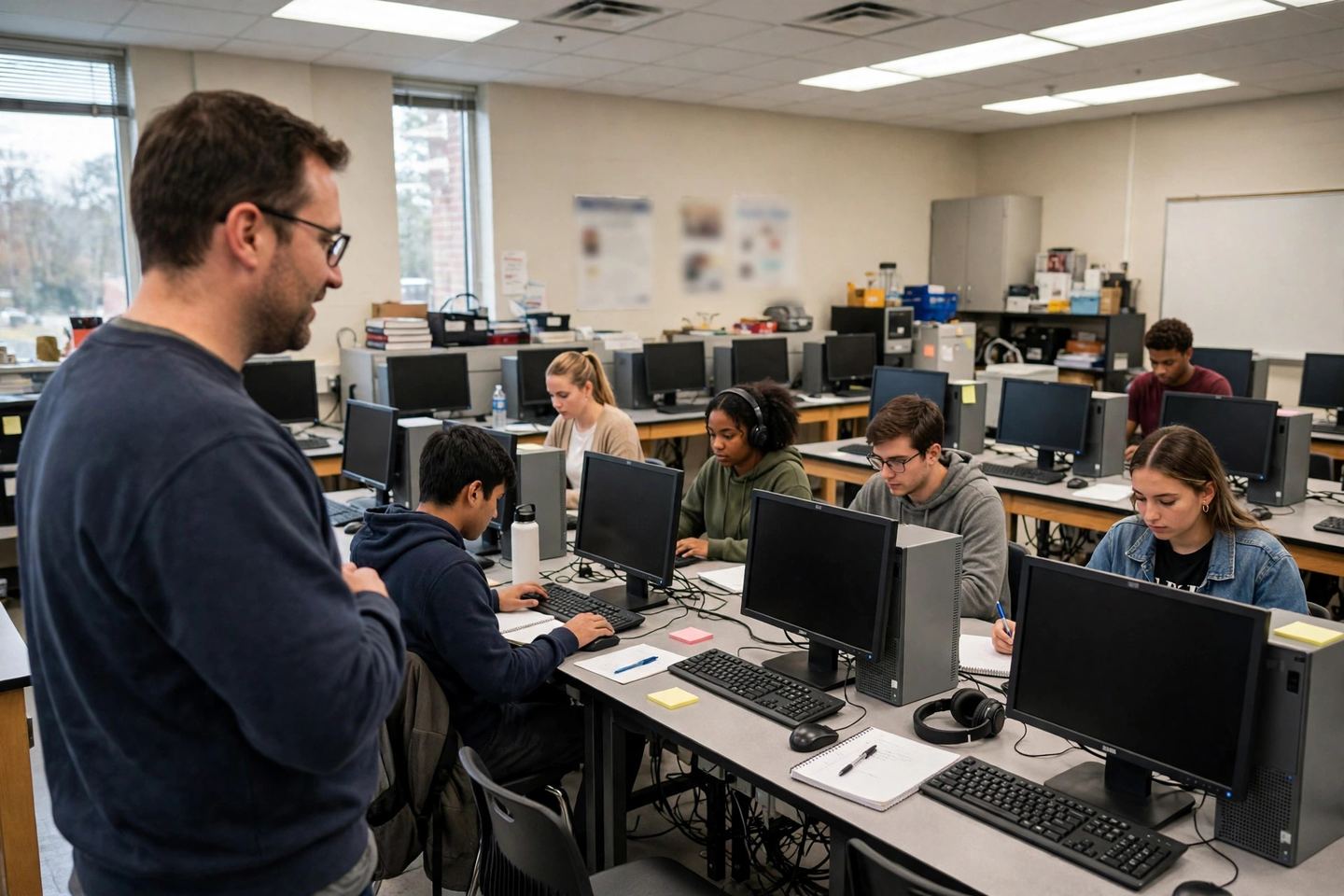
Schools, colleges and training labs
One host serves the whole class — each pupil gets their own desktop.
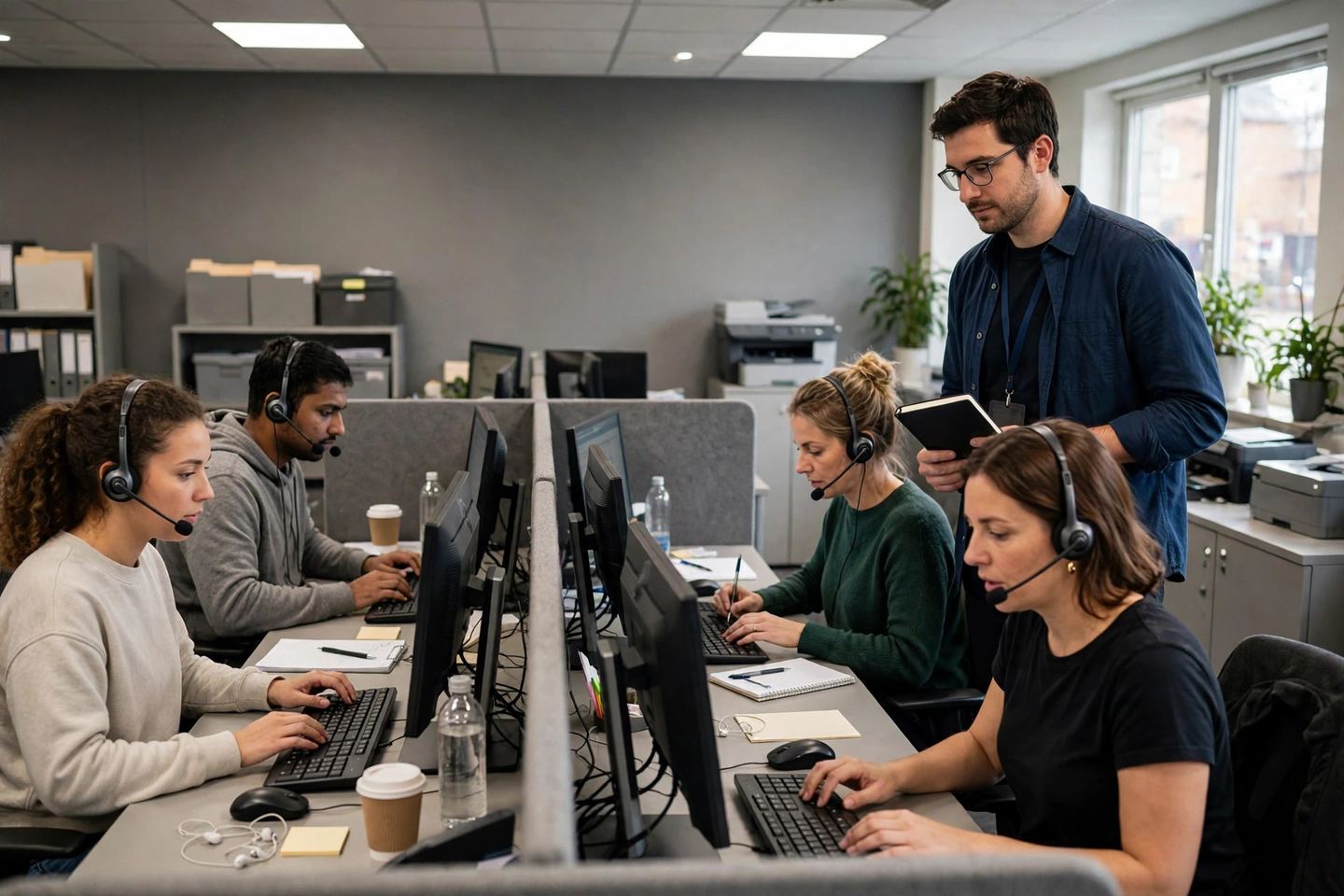
Offices and call centres
One shared host replaces a PC on every desk.

Small businesses
Staff desktops on one host, bought once.
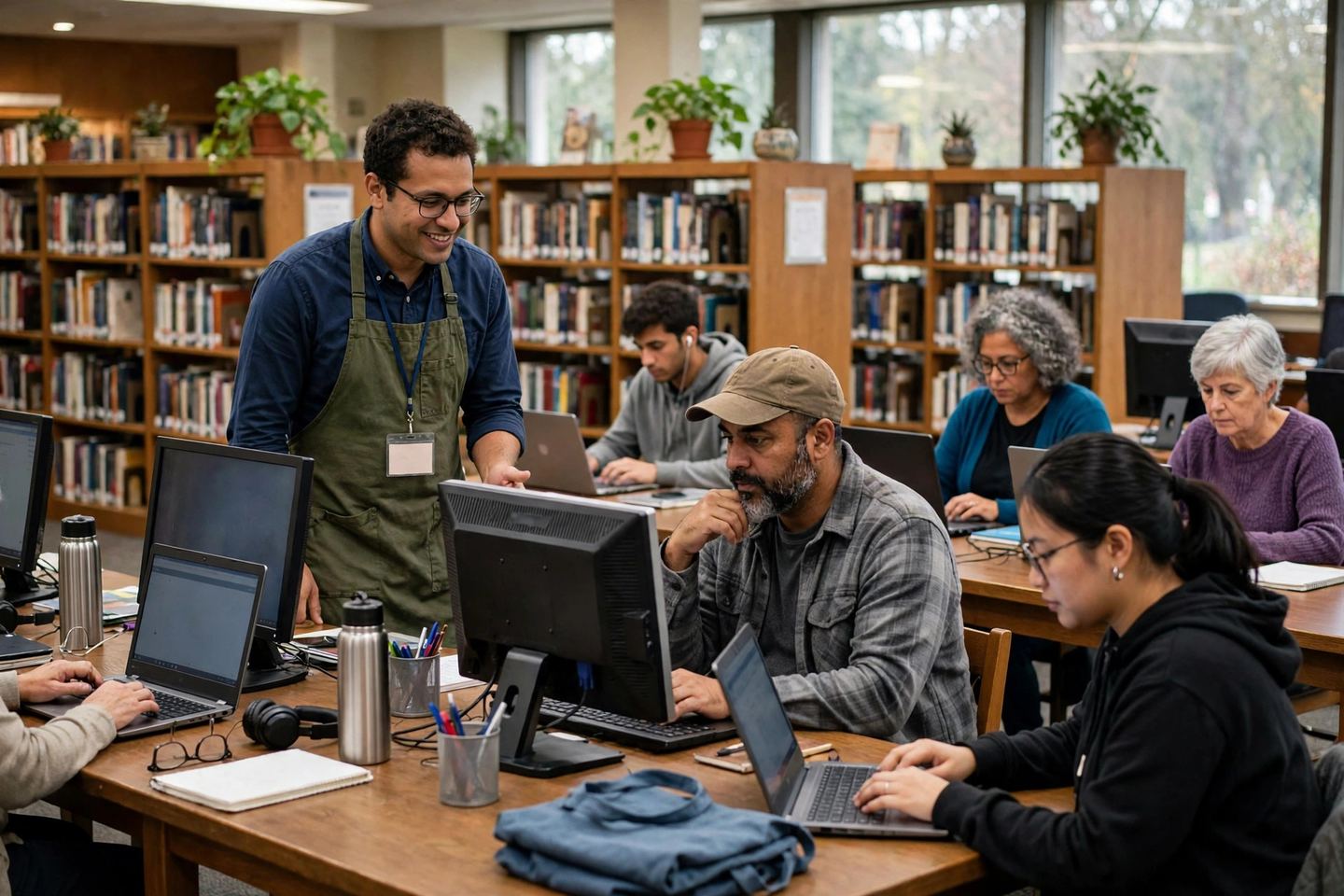
Libraries, community centres and cybercafés
Public-access desktops from one host, managed centrally.
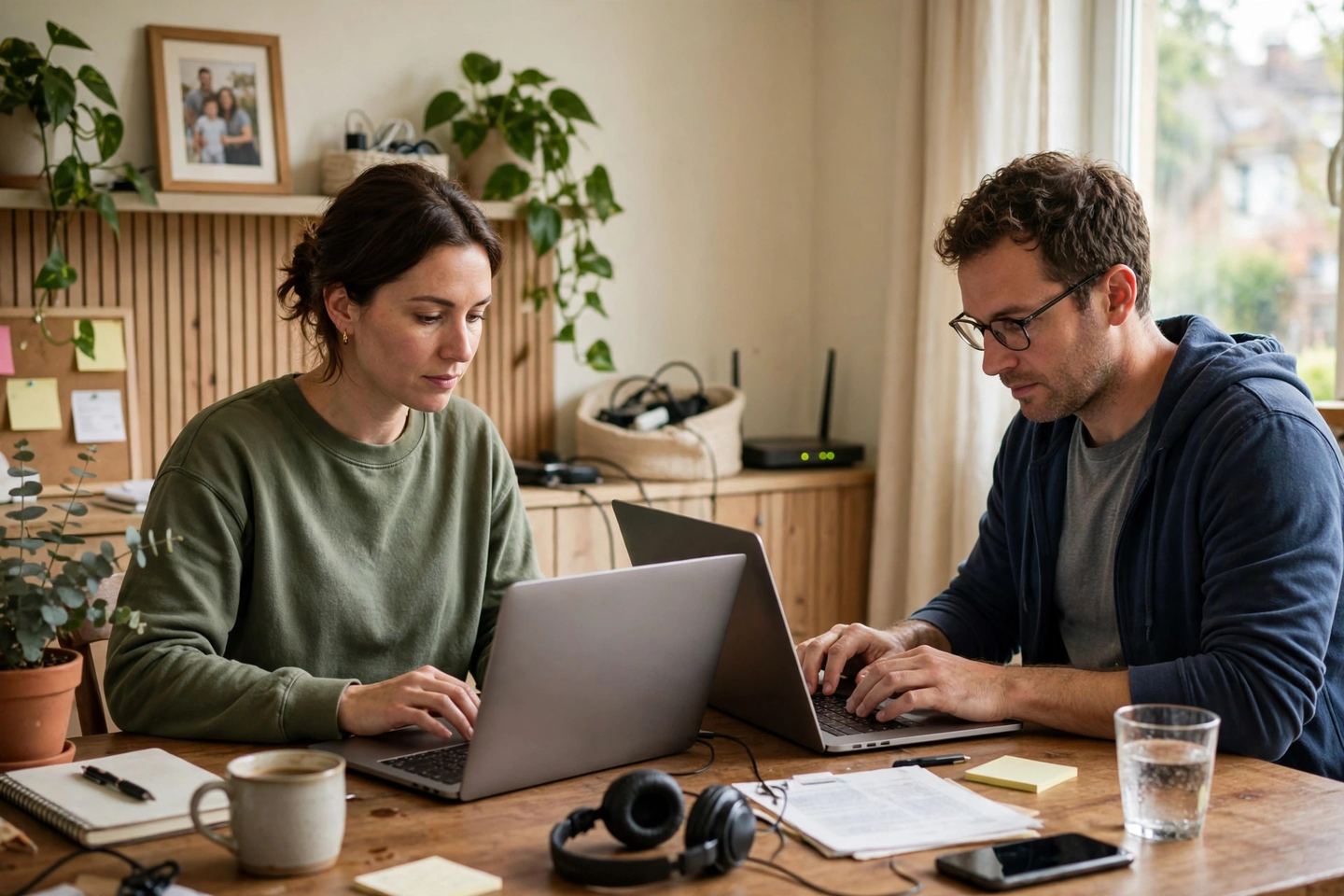
Home and remote work on the local network
One good PC gives everyone in the house their own desktop.
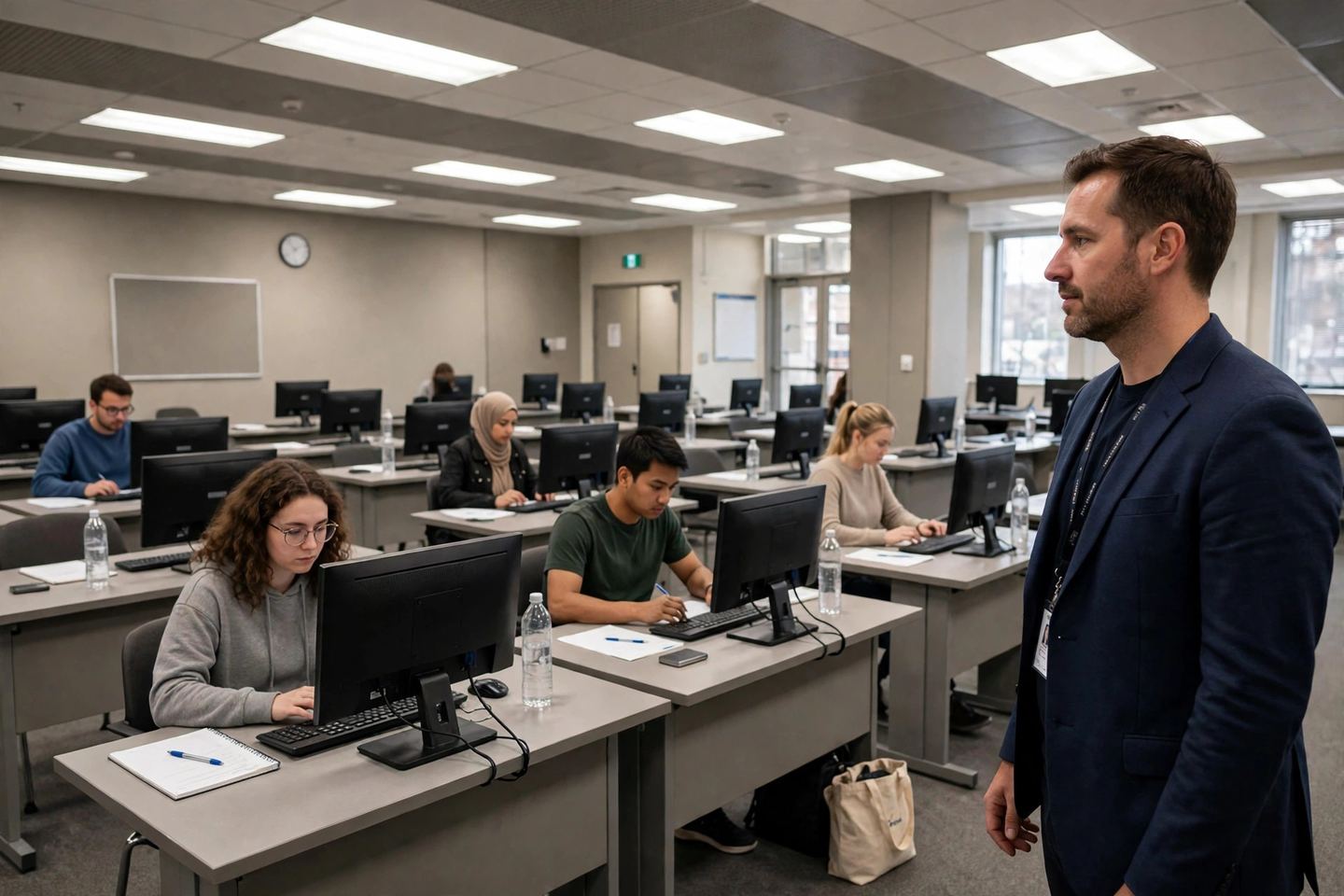
Exam and assessment halls
One host serves the hall — each candidate in their own session.
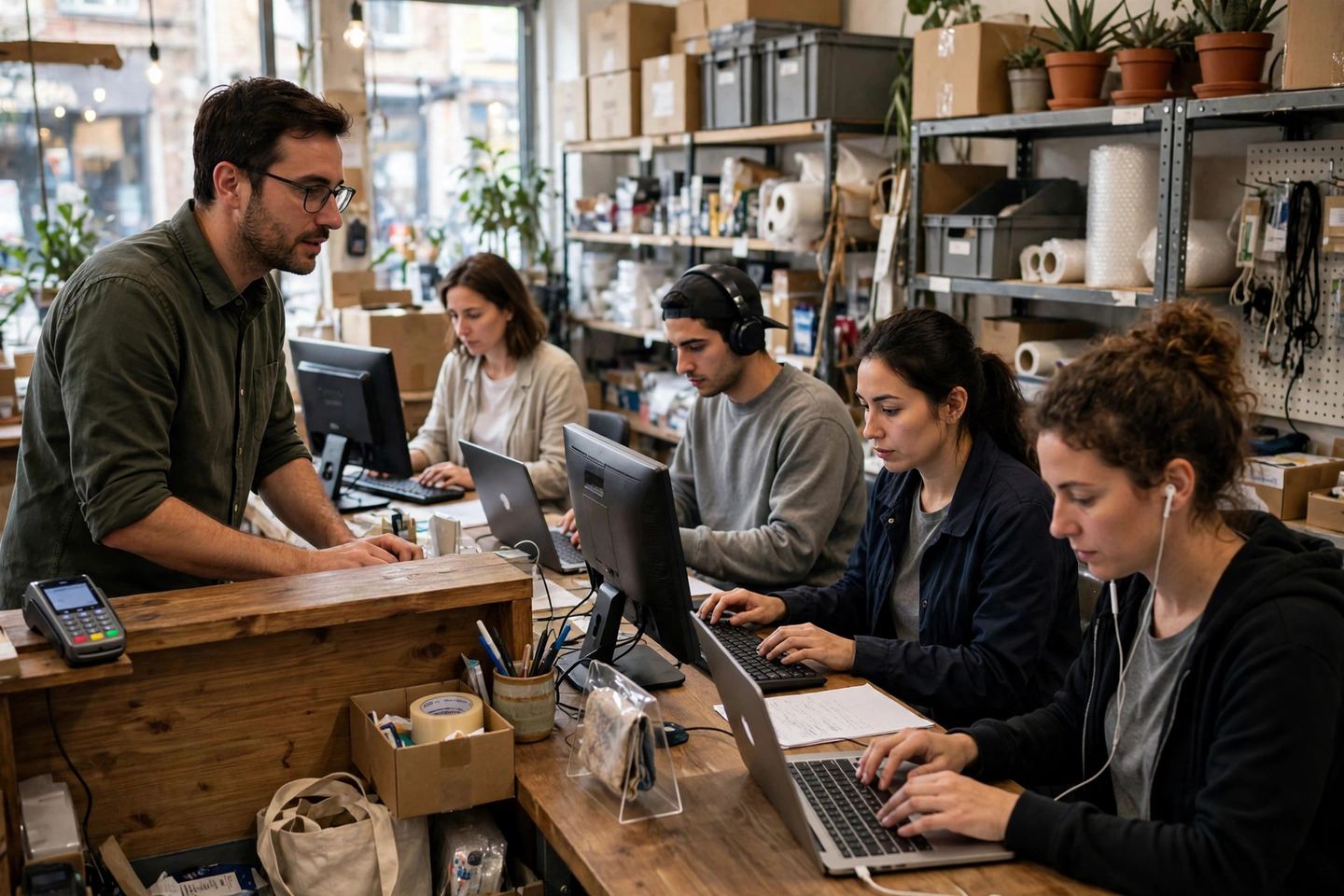
Retail and back-office counters
Counter and back-office desktops from one host.
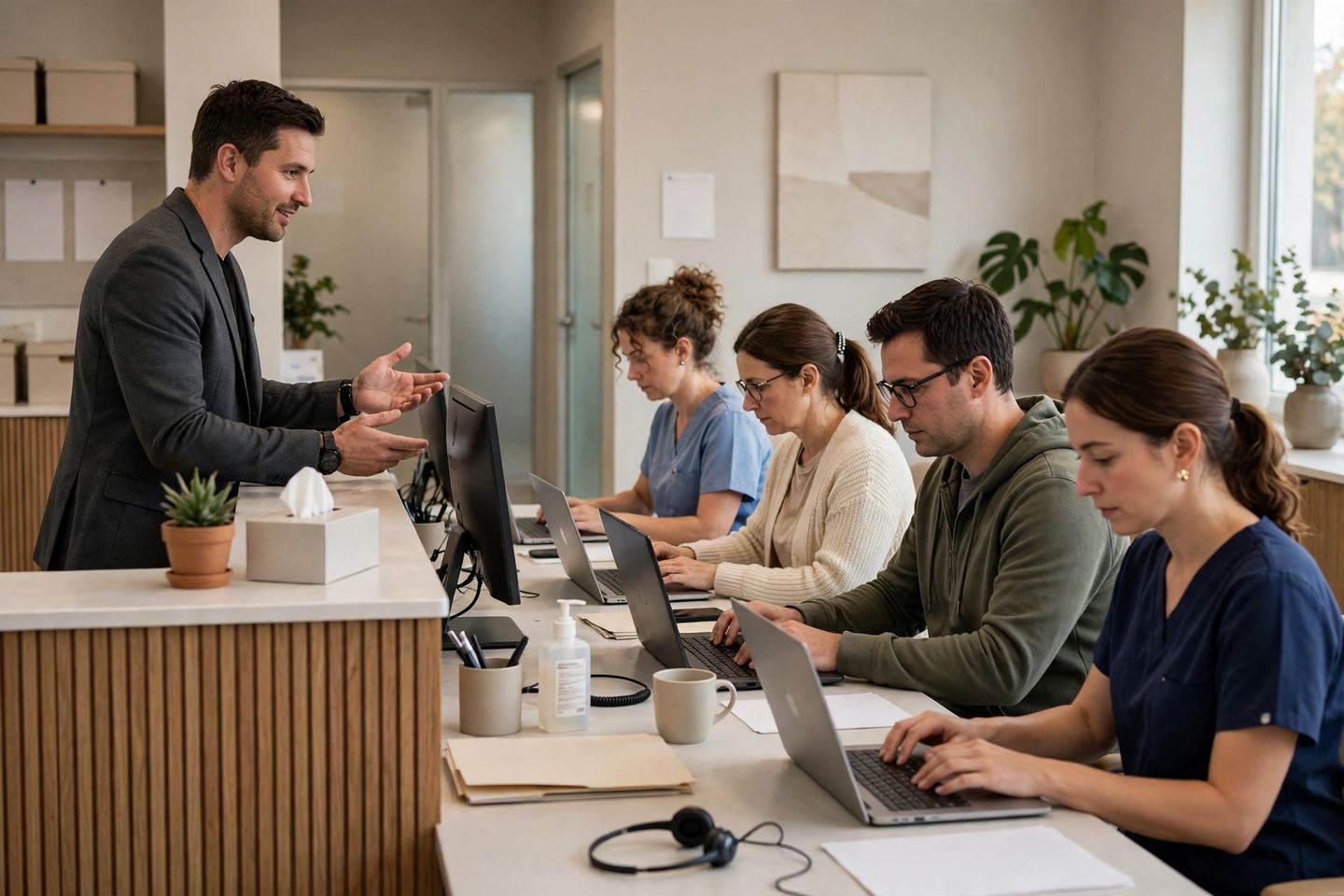
Clinics
Reception and back-room staff each get their own desktop.
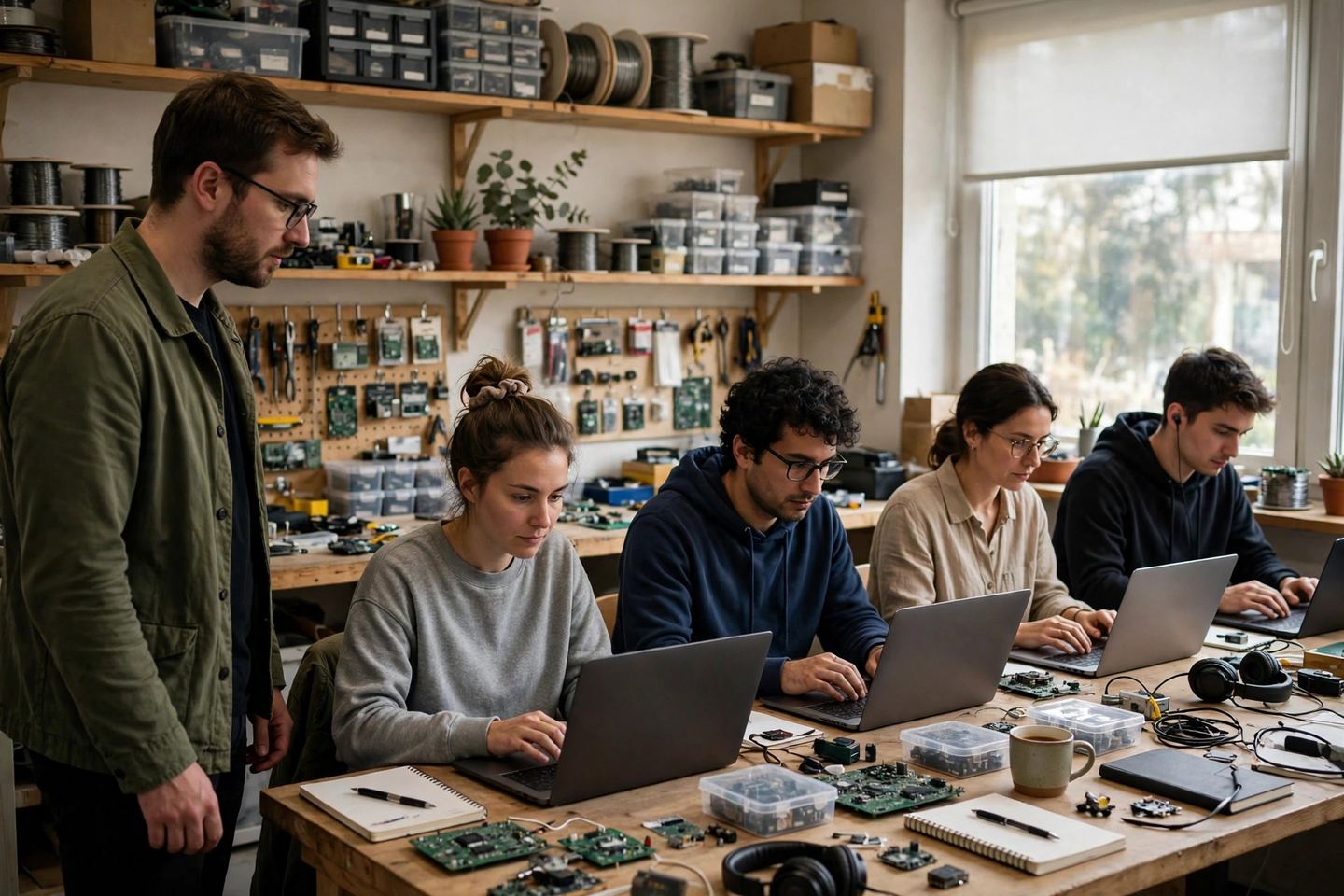
Workshops
Workshop staff each get their own desktop from one host.