
Exam and assessment halls
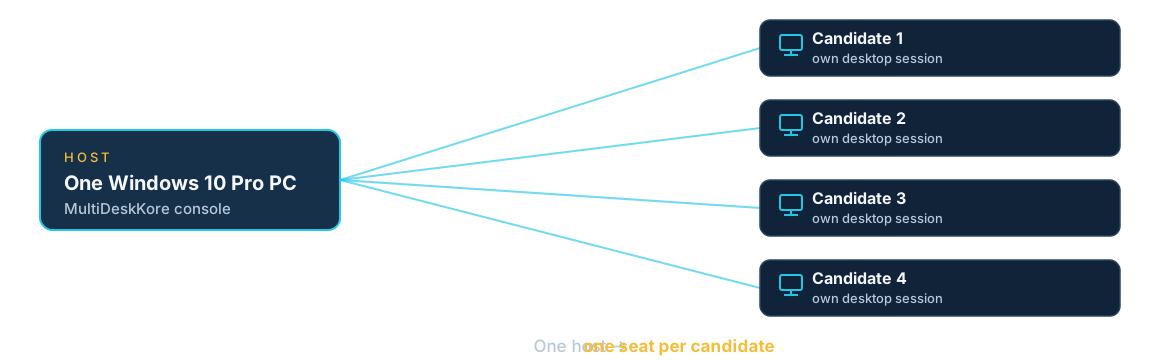
One host serves the hall — each candidate in their own session.
The problem
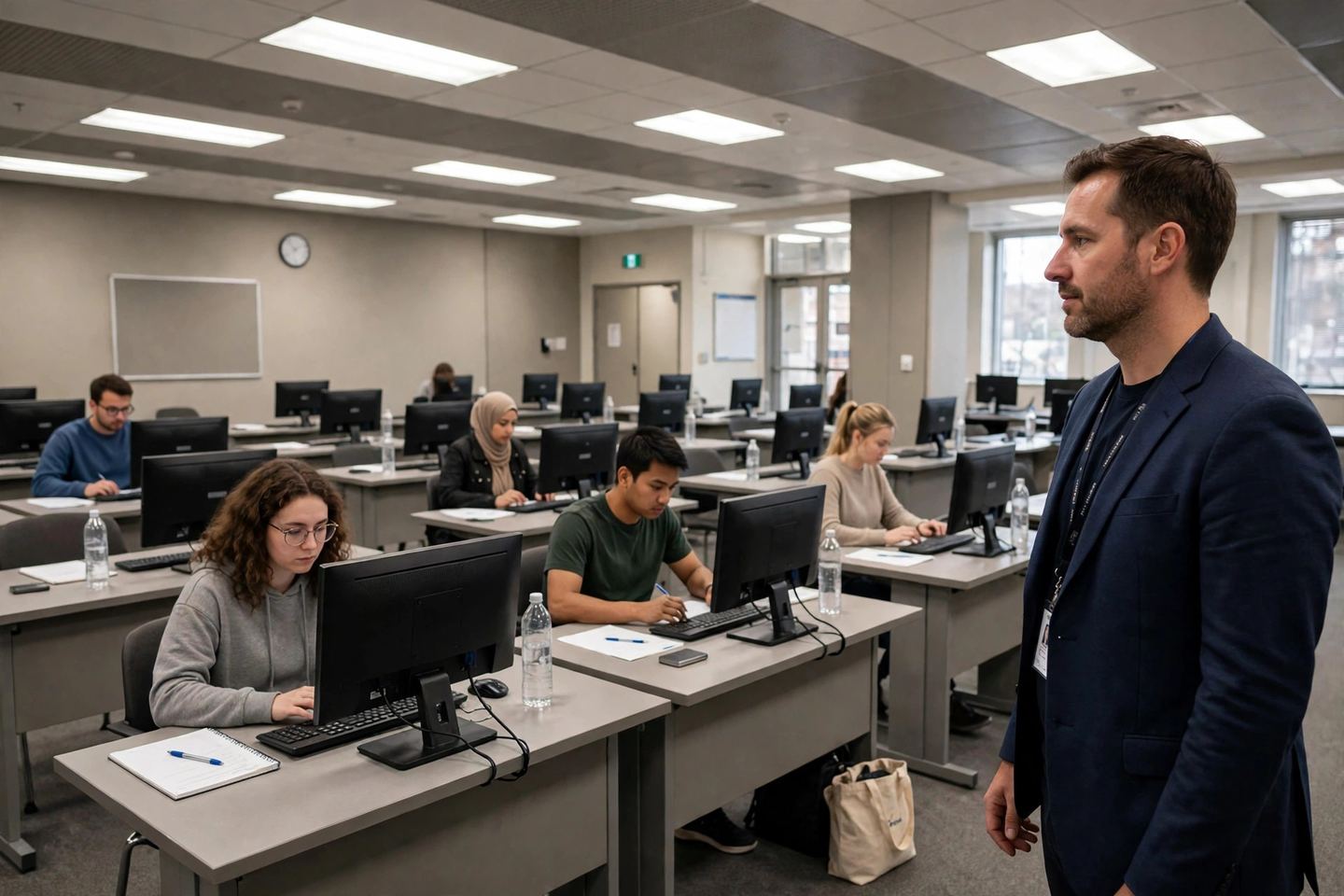
An exam hall needs a desktop per candidate, set up the same way, with the invigilator able to see what is happening.
How MultiDeskKore fits
One host serves the hall. Each candidate signs into their own session, and the invigilator or admin can see the live sessions from the local console. Sessions are separate, so one candidate’s work is not on another candidate’s desktop.
What it needs
One Windows 10 Pro host, a reliable network, and a device, display, keyboard and mouse per candidate. Test the exact exam workload on the host before the day.