
Schools, colleges and training labs
One host serves the whole class — each pupil gets their own desktop.
One good host, a full classroom of desktops
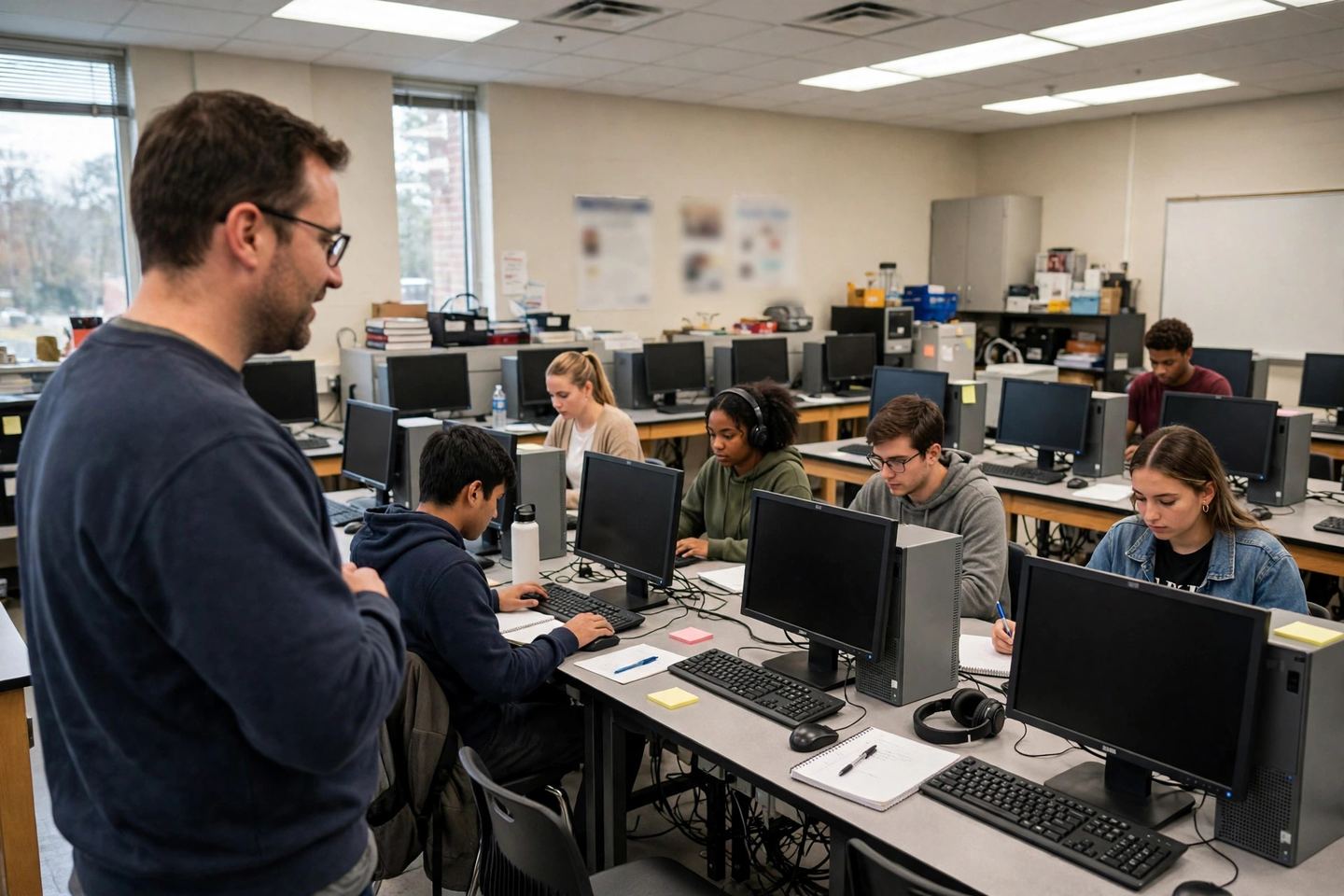
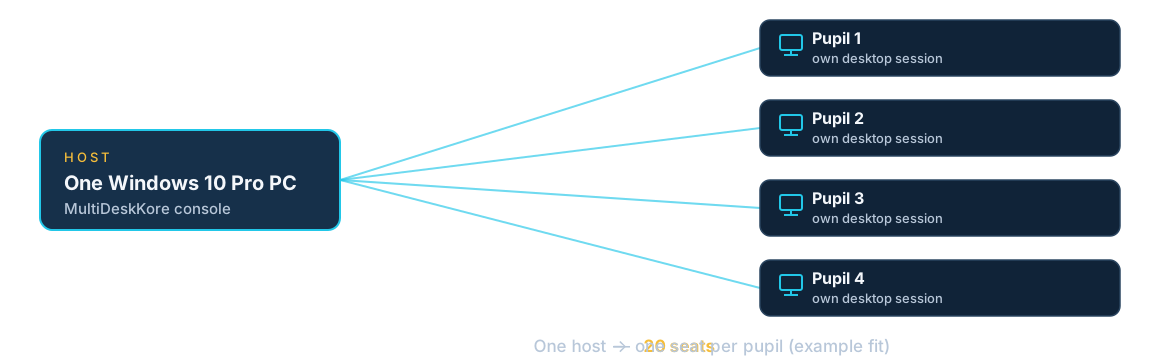
Instead of a PC on every desk, one Windows host in the classroom or IT room serves the whole class. Each pupil signs into their own desktop session with their own files, and the teacher or lab admin watches sessions and manages accounts from the local console. Buy the software once — no monthly subscription.
A lab assessment is a 3-day trial on your own host (1 host + 2 remote users), testing your real workload and applications before you buy.
The problem
A classroom of desktops costs more than most budgets allow, and old lab PCs break, age and need constant attention.
How MultiDeskKore fits
One good host in the classroom or IT room serves the whole class. Each pupil or trainee signs into their own desktop session, with their own files, and the teacher or lab admin watches sessions and manages accounts from the local console. If a pupil disconnects, their session stays open and comes back when they sign in again.
What it needs
One Windows 10 Pro host, a network, and a device, display, keyboard and mouse per pupil — with a compatible Remote Desktop client. Application licences for shared-session use, where the software requires them.
Tested hardware — and what we do not promise
The documented test, run on 25 October 2026: 4 concurrent user sessions plus the console administrator, on a 12 GB virtual machine running Windows 10 Pro 22H2. That is the test we have — we do not promise a classroom size, and we have no dated benchmark for a full class running at once. How many pupils your host can serve depends on its CPU, RAM, storage and the applications running. A lab assessment (the free trial) tests your real workload on your own host before you choose a seat count. The console preview and diagrams on this site are illustrations, not measurements.
Supported applications
MultiDeskKore runs the applications installed on the host, in each user’s own session. Whether your teaching software works in a shared session depends on the software itself — test it with the trial, using the applications and workflows your classes actually use. Where software requires a licence for shared-session use, that licence is yours to arrange; MultiDeskKore does not include application licences.
Commercial licensing — what a seat is
One seat is one enabled user account on one licensed host — not a concurrent connection, and not a physical workstation. The host user (console admin) does not count as a seat. Example: a lab with 20 computers and 100 enabled student accounts needs 100 seats, even though only 20 students can be connected at once. Different classes can share the same lab: each class has its own user accounts, and each pupil gets their own separate desktop session with their own files. When a class finishes, disable or delete its accounts to free the seats for the next class.
School licensing (educational institutions)
Schools, colleges and training labs have a separate licensing system from the commercial one above. School licensing is per physical seat — a workstation in the lab — not per user account. Multiple students share one seat: different students in different classes use the same workstation at different times. Example: a school with 20 workstations and 100 students needs 20 school seats, not 100, because the seat is the workstation and the students share it.
School licensing is the MDK Fleet (Multi-Host) licensing model. A school runs more than one host, and MDK Solo (Single Host) is a single host, so Solo does not work for a school — schools need MDK Fleet. MDK Fleet is in development (V2); the school licensing described here is the Fleet model and is not available yet.
School pricing: $15 per seat, flat — no bundle, no per-seat discount. Minimum purchase: 25 seats per school licence, so the smallest school licence is 25 seats = $375 one-time. The school licence is a one-time purchase (perpetual). On top of it, an annual support fee of 10% of the licence value is mandatory — unlike the commercial model, where the 10% annual renewal is optional, a school must pay the 10% annual support fee.
Examples: 25 seats = $375 one-time + $37.50 per year mandatory support; 50 seats = $750 one-time + $75 per year; 100 seats = $1,500 one-time + $150 per year. To buy a school licence, contact TrimKore through the Support page or email sales@trimkore.com.
Installation scope
Install the single-file installer on the host, create the admin user in the local console, create pupil accounts, and connect each device with a Remote Desktop client. No extra server hardware, no domain or Active Directory, and no separate virtual machines. You still need the host itself, one device, display, keyboard and mouse per pupil, and a reliable network between the host and the devices.
Support
Licence holders raise support tickets from the host console, and TrimKore replies from the owner portal. If the host or console is unavailable, use the request form on the Support page or email sales@trimkore.com — either route reaches us without your host. The first 12 months of upgrades and standard support are included with every licence; optional annual renewal after that is 10% of the licence value.
Questions schools ask
Complete-lab enquiry
For a whole lab — host sizing, seat counts, installation and setup assistance — request a lab assessment or book a demo. Tell us the number of pupils, the applications you teach with, and the host you have (or plan to buy), and we will come back to you. Pricing for MDK Solo (Single Host) is $29.99 for one seat, $99.99 for five seats, and $10 for each additional seat beyond five, one-time. Schools and colleges have a separate licensing system — $15 per seat (per workstation), minimum 25 seats, with a mandatory 10% annual support fee. See the school licensing section above.